
Hand over your phone.
Keep your peace of mind.
The free, ad-free app locker for parents. Lock your email, banking, and social apps behind a PIN before you hand your phone to your kid — and set a timer that locks everything when it's up.
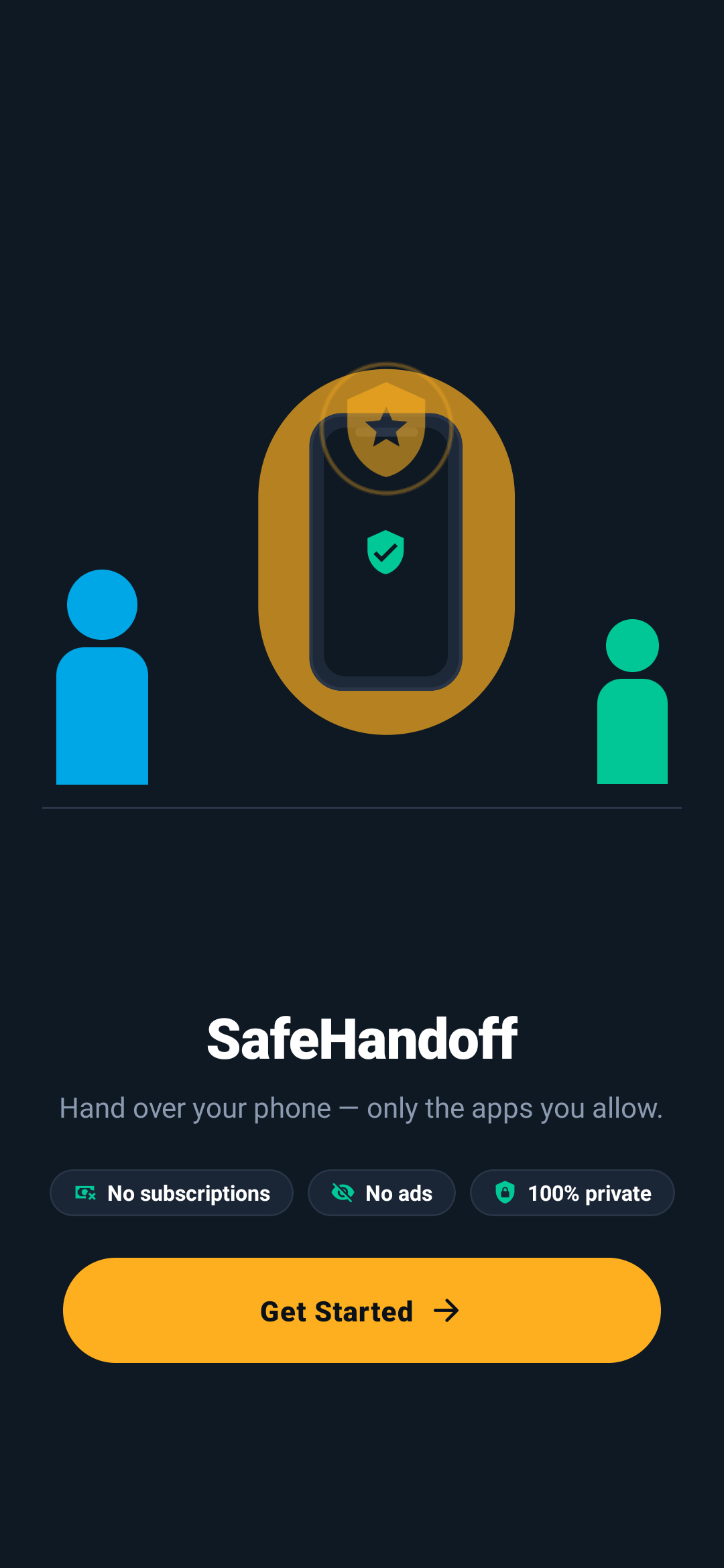
Set up in seconds
01-welcome.png
Three simple steps to peace of mind
No complex setup. No parental-control accounts. No configuration headaches.
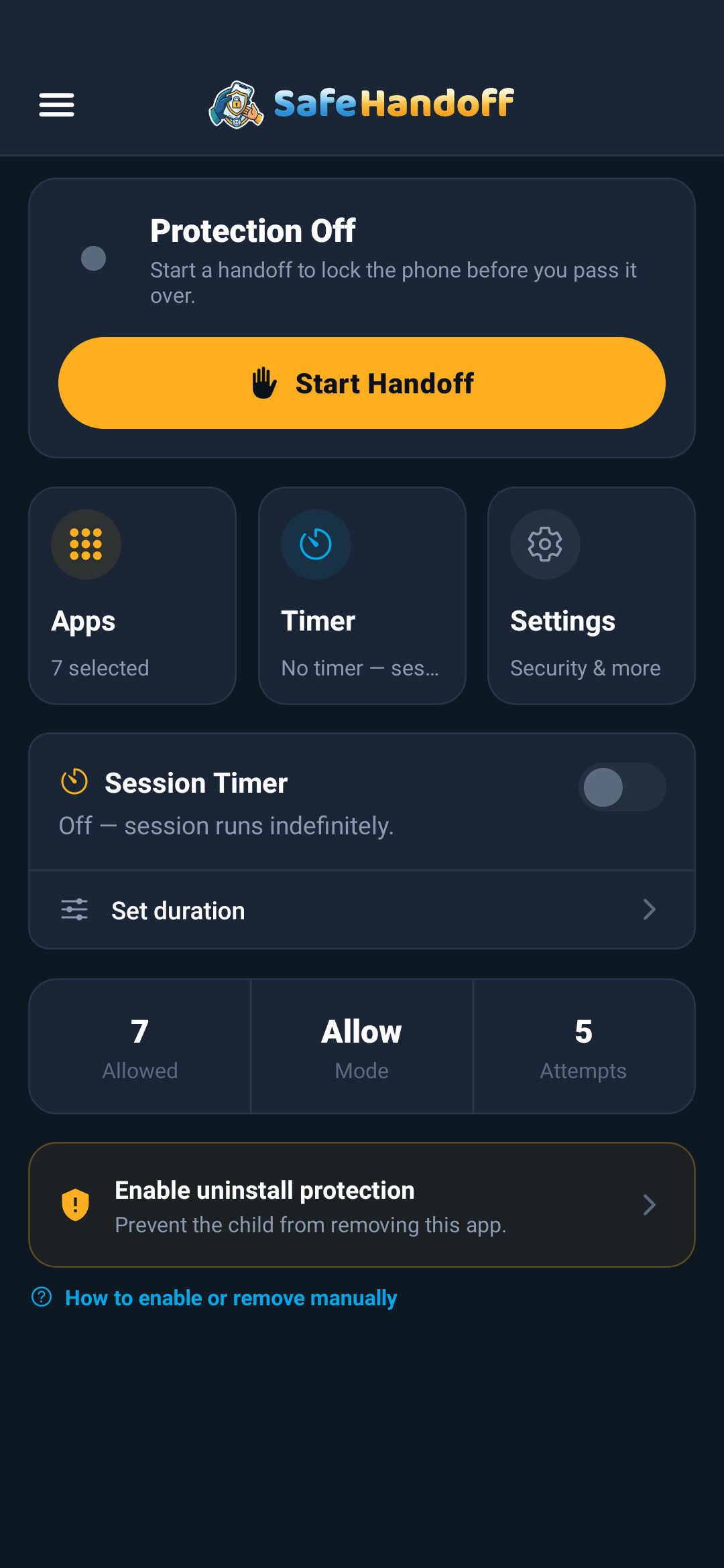
Pick Your Apps
Choose which apps to lock — banking, email, social — or flip it around and allow only a few apps and lock everything else.
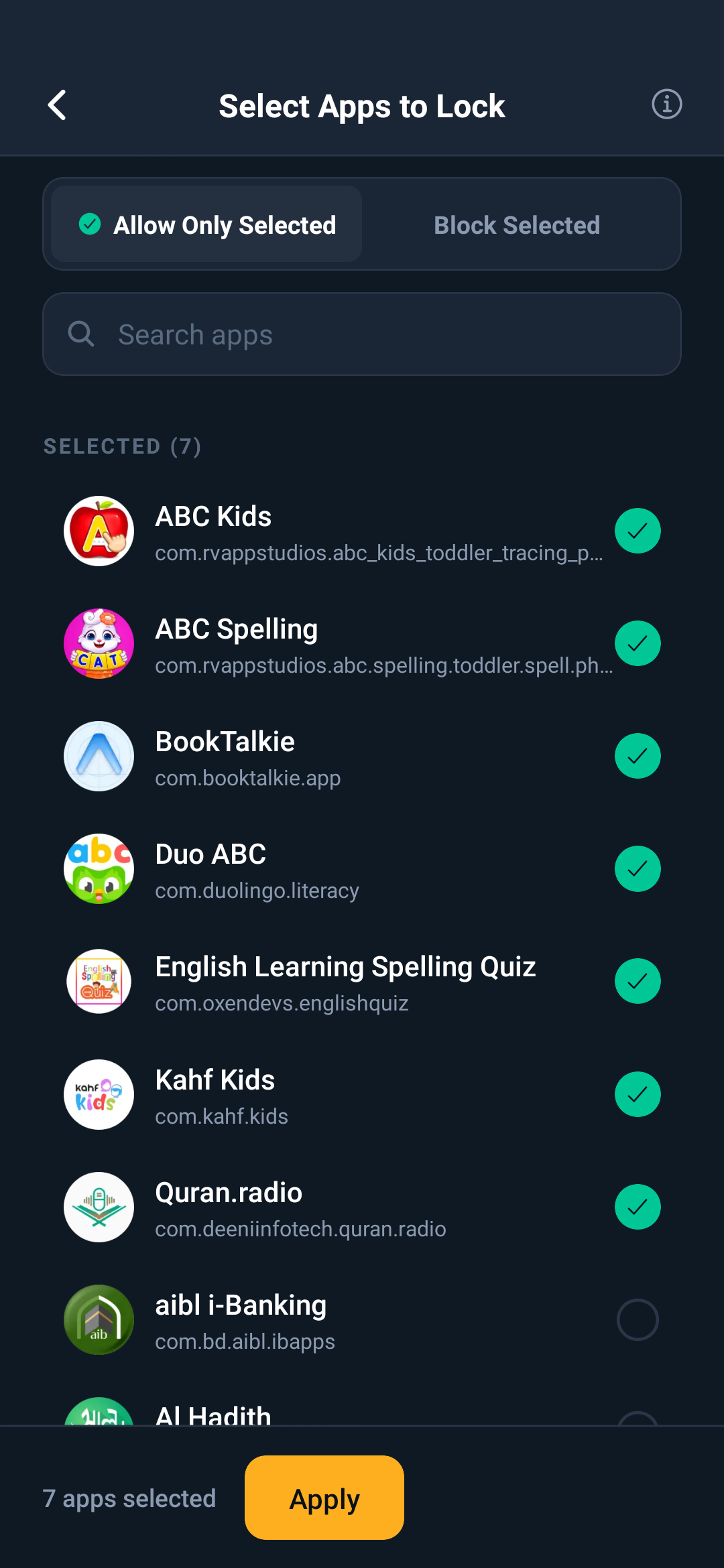
Set the Timer
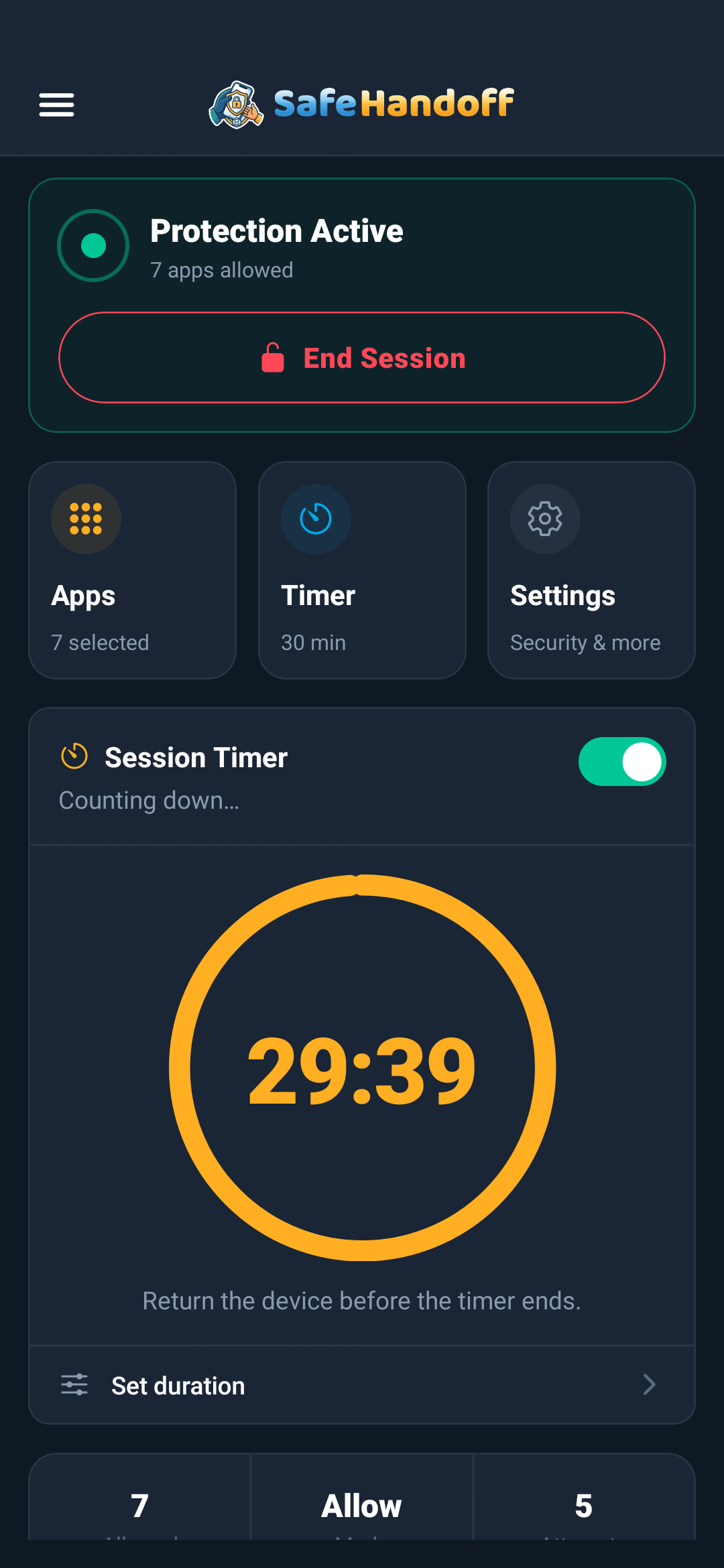
Choose how long the phone is handed over. When the timer runs out, every app locks behind your PIN until you unlock.
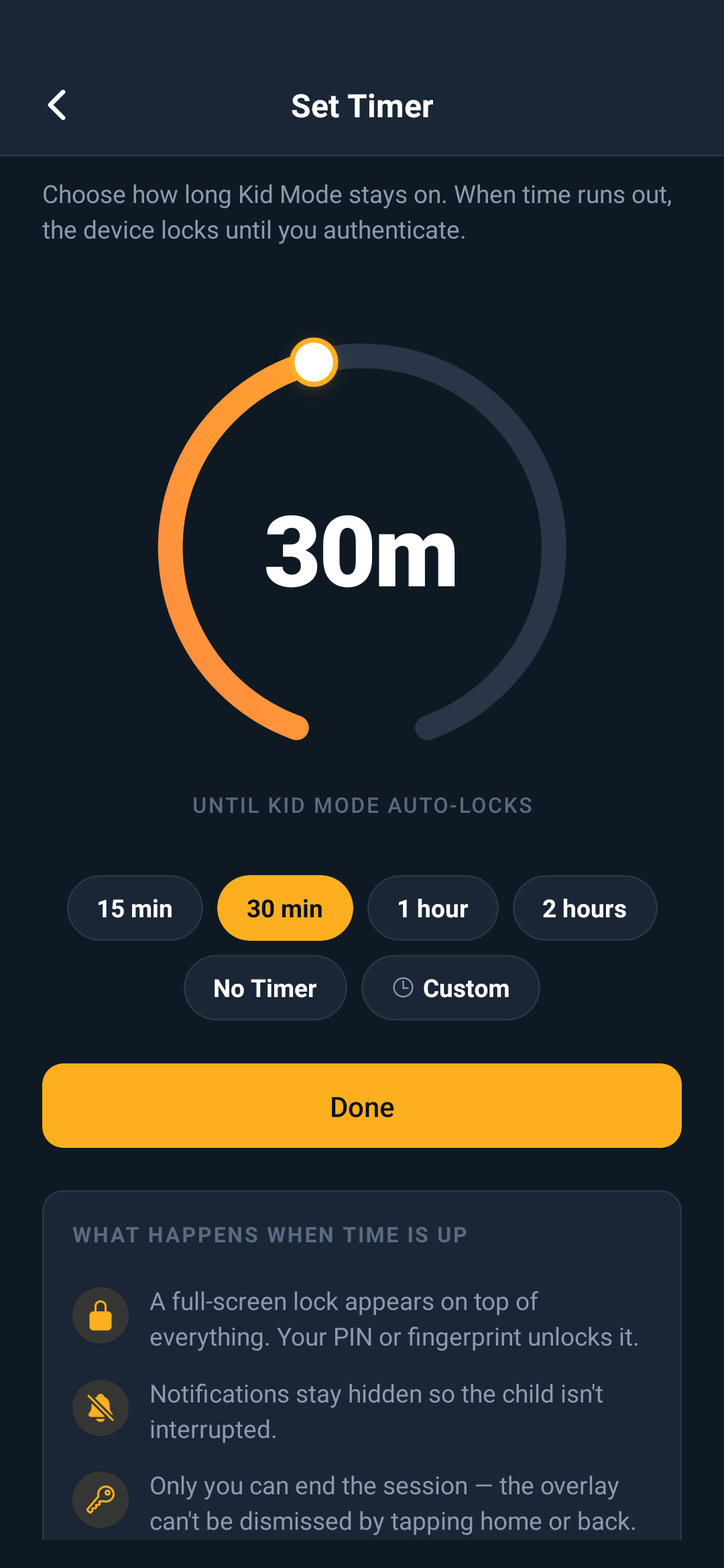
Hand It Over
Give your kid the phone worry-free. Anything you locked stays locked — every open asks for your PIN, pattern, or biometric.
Pick Your Apps
Choose which apps to lock — banking, email, social — or flip it around and allow only a few apps and lock everything else.
Set the Timer
Choose how long the phone is handed over. When the timer runs out, every app locks behind your PIN until you unlock.
Hand It Over
Give your kid the phone worry-free. Anything you locked stays locked — every open asks for your PIN, pattern, or biometric.
Choose what to lock
Lock specific apps and leave the rest open, or flip to Allow Mode— where kids can use only the apps you allow and everything else is locked. Great for handing over just one game or a kids' video app.
Lock mode
Selected apps are LOCKED
Your apps
Tap to toggle
Set it and forget it
Pick a duration before you hand the phone over. When time runs out, SafeHandoff raises a “Time’s Up” shield — now every app (even the ones you allowed) needs your PIN. Only you can lift it.
Preset or none
Quick 5 / 15 / 30 / 60-min presets — or run without a timer
Everything locks
When it expires, every app needs your PIN, not just the blocked ones
PIN or biometric
Lift the shield with your PIN, pattern, or optional Face ID / fingerprint
Everything you need. Nothing you don't.
Focused on one job: letting you hand over your phone without a second thought.
Lock the Apps You Choose
Cover individual apps with a full-screen lock — not the whole phone. Kids keep using everything you leave open.
Handoff Timer
Set a countdown. When it ends, every app locks behind your PIN until you lift the shield.
PIN, Pattern or Biometric
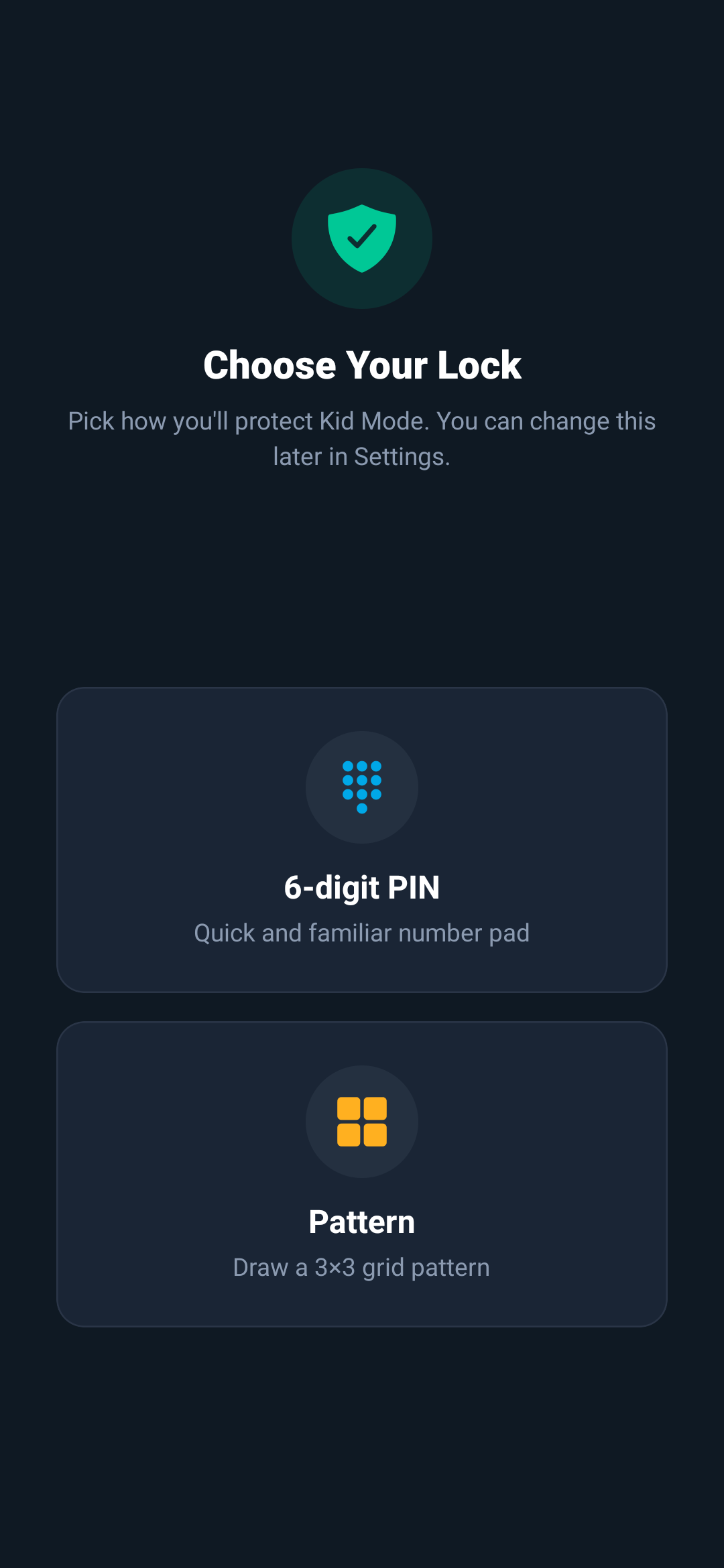
Unlock with a PIN or pattern you set, and optionally Face ID or fingerprint. PIN is always the fallback.
Notification Muting
Mutes notifications from locked apps so a child can't peek from the shade. Only the app name is checked — never the contents.
Uninstall Protection
Optional. On Android, device-admin makes the app ask for your PIN before removal. On iOS, use Screen Time to block deletion.
One-Tap Kid Mode
Flip Kid Mode on or off from an iOS Shortcut / Siri or the Android Quick Settings tile — without opening the app.
Solid protection, honestly described
Here's exactly how each safeguard works on each platform — including what it can and can't do.
Interactive Demo
Biometric — or enter your PIN
How it works per platform
iOS
Face ID / Touch ID via expo-local-authentication, with PIN fallback
Android
BiometricPrompt plus a PIN or draw-pattern
Your data stays on your device.
Full stop.
Many free app-lockers pay for themselves by harvesting your usage patterns and app lists. SafeHandoff has no servers, no analytics, no account, and no way to collect anything — by design.
100% On-Device
Every setting lives on your phone in encrypted storage. Nothing syncs, backs up, or leaves the device.
Zero Network Calls
SafeHandoff works fully offline. It makes no network requests of its own — there is simply no traffic to intercept.
No Account Needed
No email, no password, no profile. You download, set a PIN, and go. We have no way to identify you because we never ask.
No Servers, No Database
There is no backend for user data, no analytics pipeline, and no third-party SDK that phones home.
Minimal Permissions
Only what enforcement needs: usage access + draw-over to place the lock. Notifications, biometrics, and device-admin are all optional. Never location, contacts, messages, camera, or mic.
PIN Never Stored
Your PIN is kept only as a salted SHA-256 hash — never the digits. Even on your own device, the raw PIN is never written down.
SafeHandoff vs. the rest
What many free app-lockers quietly do — and what we refuse to.
Privacy questions, answered
Nothing to hide — here are the honest answers.
No. SafeHandoff only uses the parental-control APIs that iOS and Android expose for this purpose — iOS Screen Time (Family Controls) and, on Android, usage access plus a lock overlay. It never requests permission to read messages, contacts, photos, location, camera, or microphone.
No. The app makes no network calls of its own, and there is no analytics, telemetry, or crash-reporting SDK embedded in it. Nothing about you or your child’s activity leaves the device.
Never. There is no email, password, or sign-up. Your PIN — stored only as a salted hash — or an optional biometric is the only credential, and it stays on your device.
We don’t. SafeHandoff is free with no ads, no subscriptions, and no data collection. There is nothing to monetize because we never gather anything in the first place.
Everything is stored locally, so uninstalling removes it all from the device. Because nothing was ever uploaded, there is nothing left on a server to delete.
No ads. No subscriptions.
Just peace of mind.
We believe handing your phone to your kid shouldn't cost a monthly fee. SafeHandoff is 100% free, forever — no hidden costs, no premium tiers, no data selling. Ever.